Prompt: “Please disable proxy or XXX”
Solutions
- Check if your IP is using a proxy or Tor.
- Try using a common network environment, e.g., a long-term overseas location.
Login/Registration Prompt: "Please disable proxy or XXX"
- Check whether your network is behind a proxy, such as server IPs or suspicious IPs.
- Not limited to campus networks.
Third-Party Client Subscription Update Prompt: “Please disable proxy or XXX”
- Check your device and disable any active proxy.
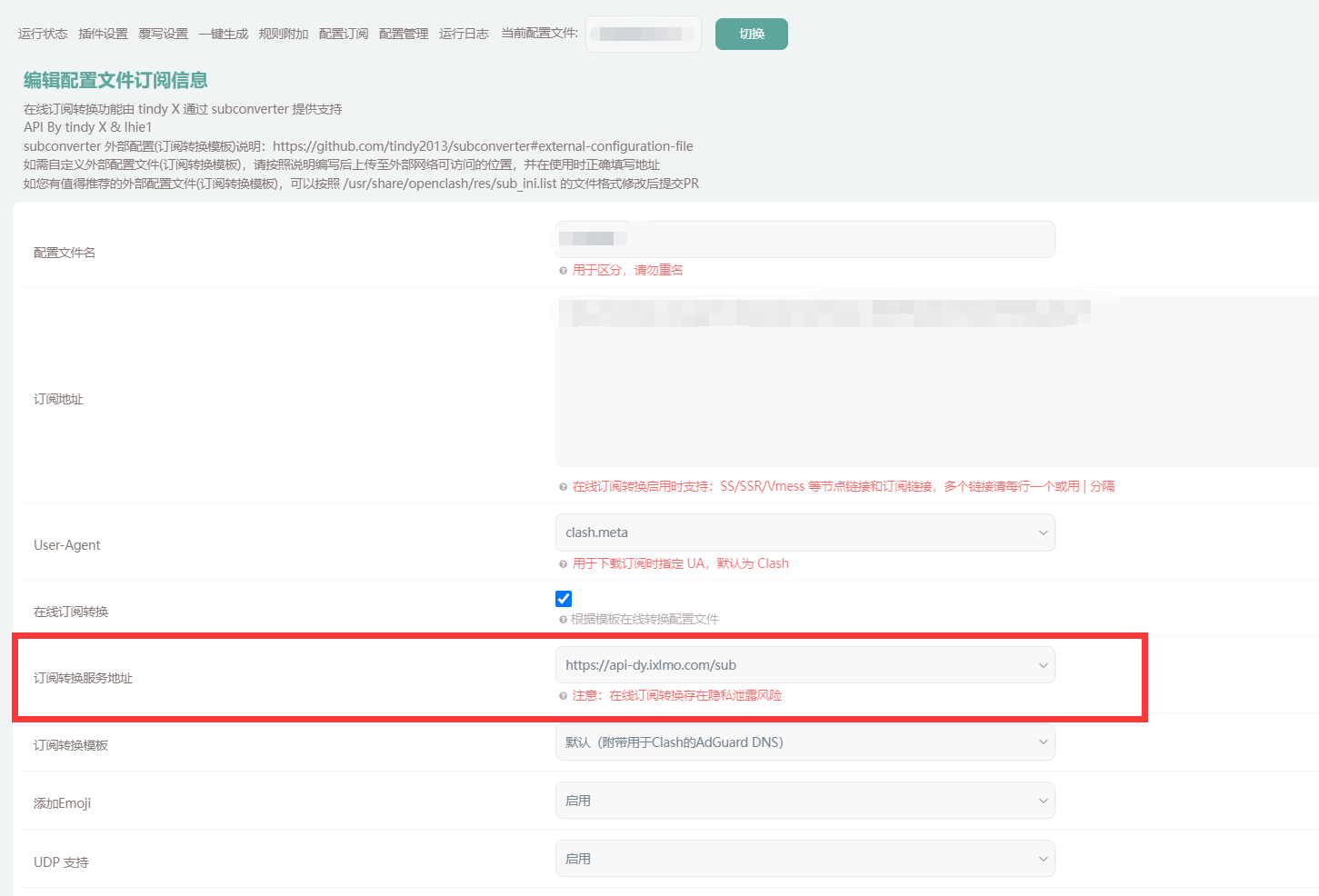
Soft Router Subscription Update Prompt: “Please disable proxy or XXX”
- Example using OpenWrt with OpenShell: